
Unblur Image
Upload a blurry photo and get back a sharper version with recovered detail and natural texture.
Free · Photos deleted within 24h5 free runs
Examples to try
How to Unblur a Photo
The model analyses blur patterns — motion streaks, soft focus, shake — and reconstructs sharper edges and finer texture.
- 01
Upload your blurry image
Drop in a JPG, PNG, or WebP up to 5MB. Motion blur, soft focus, and light shake all qualify.
- 02
Let AI rebuild the detail
The model sharpens edges and restores texture while keeping the original colours and composition.
- 03
Run the fix and download
Start the job, compare the blur against the sharpened result, then download or keep it in your library.
The other tools
Try another AI tool optimized for a specific image task.
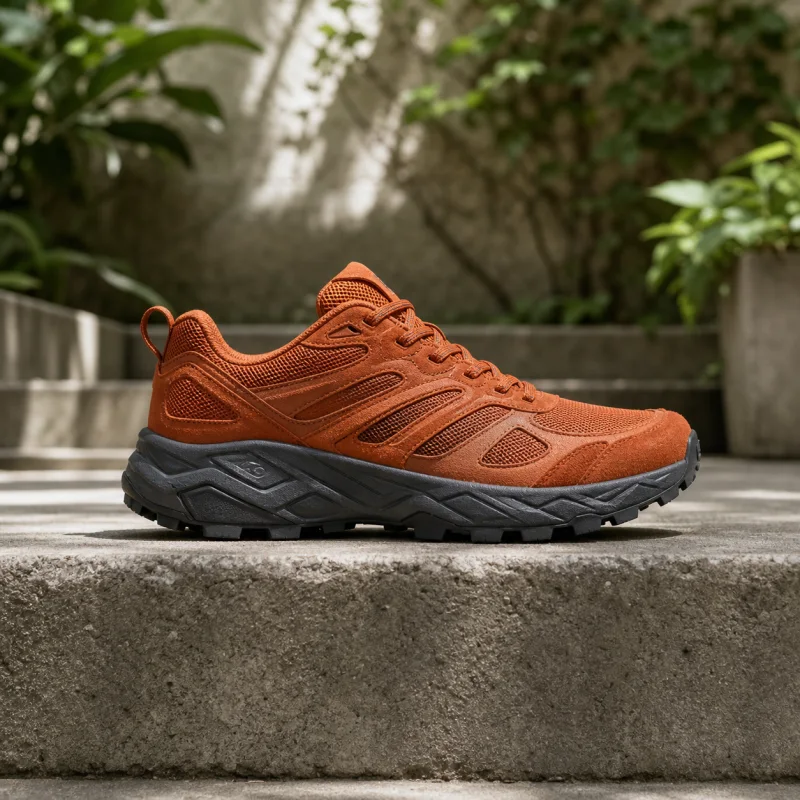
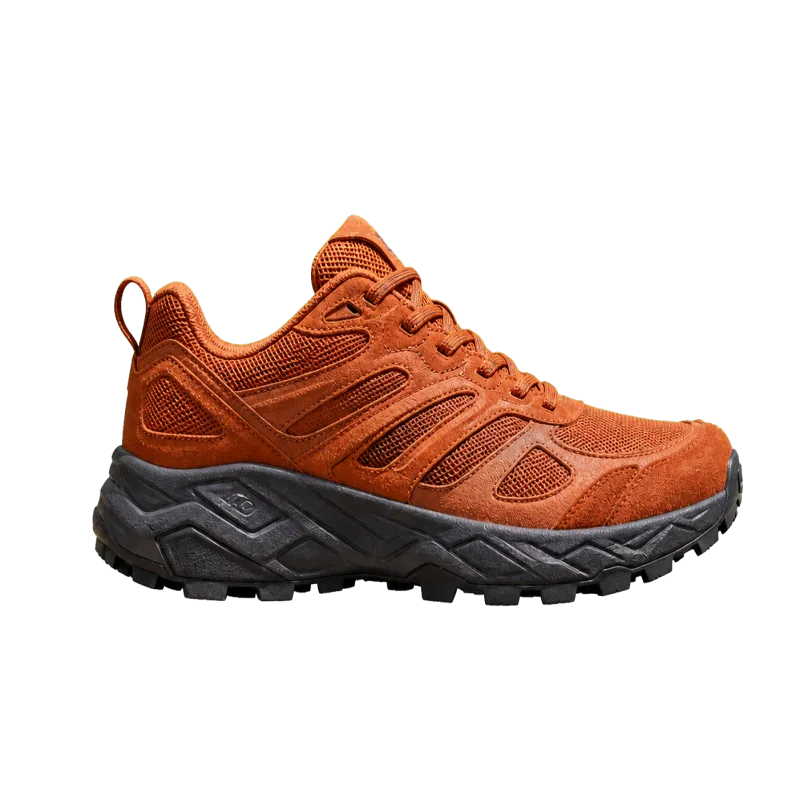
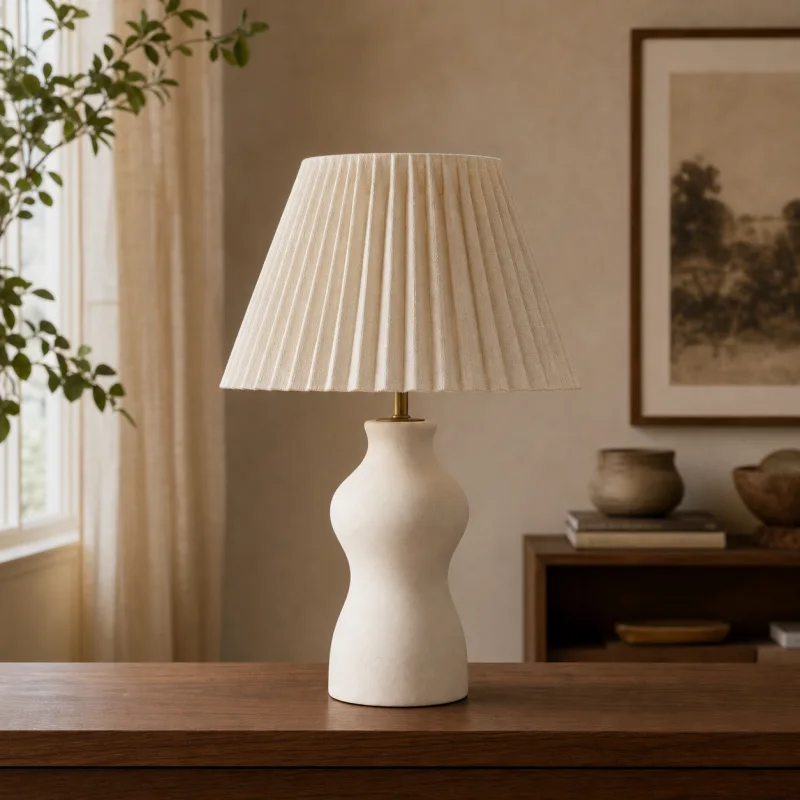
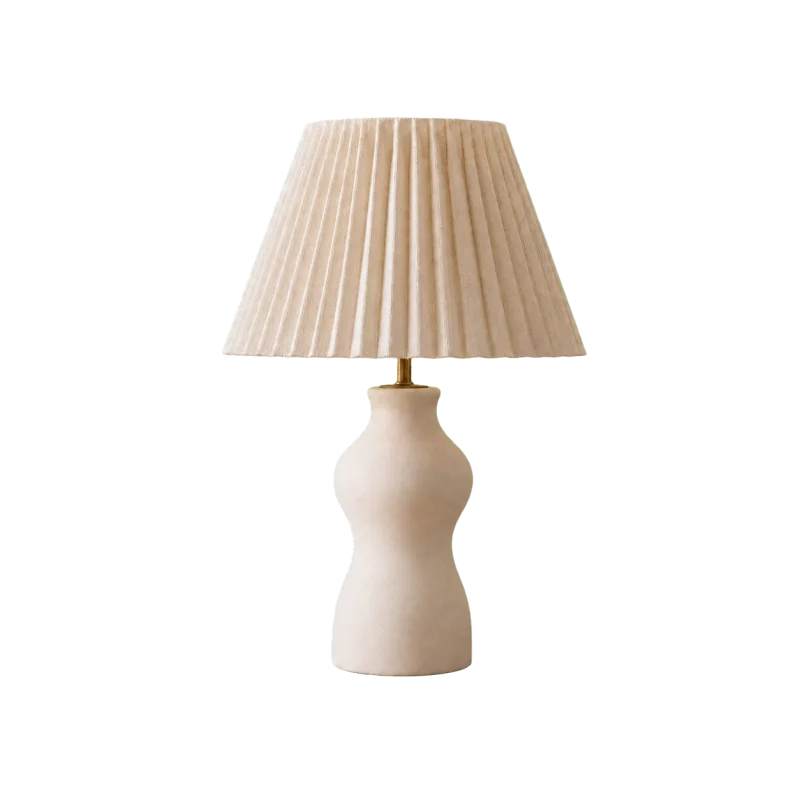
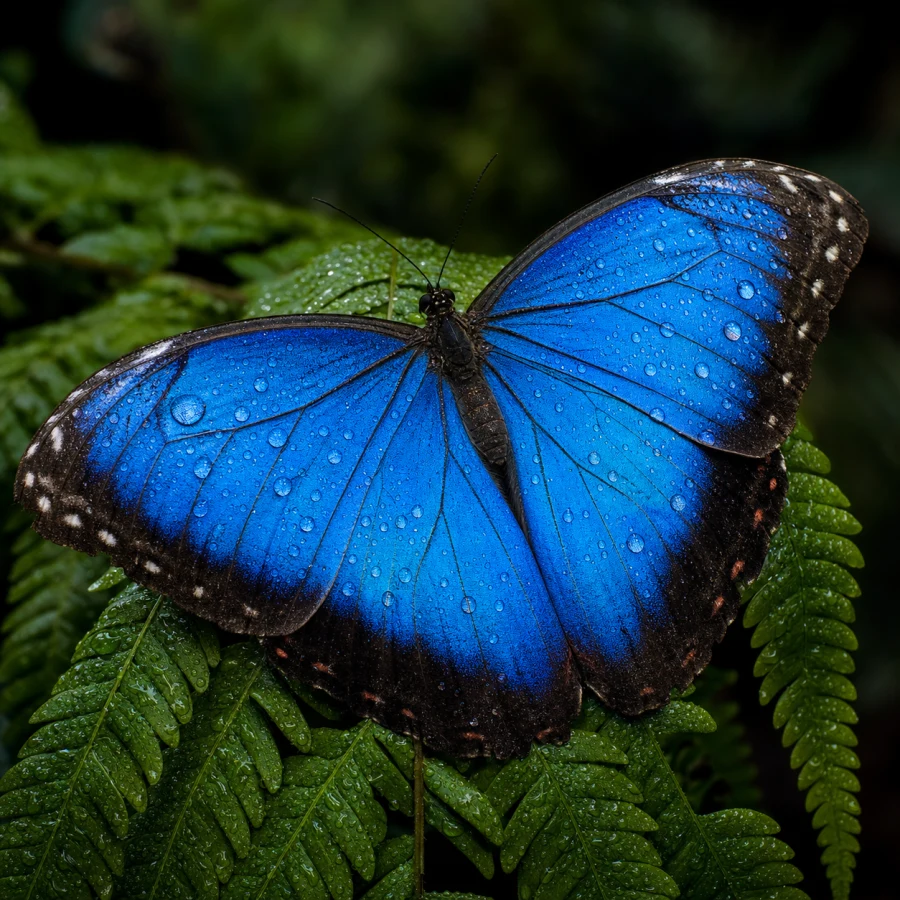
Unblur image FAQ
Answers about blur types, quality limits, supported photos, privacy, and how AI deblurring works.
How does AI unblurring work?
The model estimates what the sharp version plausibly looked like and rebuilds edges and texture — it does not just push a sharpen filter.
What does one run cost?
It uses Nano Banana Pro at 50 credits per successful image. A run that fails costs nothing.
Which blur can it fix?
Motion blur, mild defocus, and camera shake respond best. Extremely blurred subjects with no structure left may not fully recover.
What happens to the image I upload?
It is stored so the model can fetch it and so the run stays in your library. It is private to your account.
Will it look natural or over-sharpened?
The model aims for natural texture — grain and fine detail — rather than crunchy halos. Very strong blur can still produce artefacts.
What are the limits?
JPG, PNG, or WebP up to 5MB per image. Faces and textured subjects tend to recover best.
Can I unblur a photo for free?
Yes — one free trial without signup, and five total free runs when you sign in with Google.
Can I use unblurred photos commercially?
Yes — results are yours to use, including product shots and client work.
How long does unblurring take?
Most photos finish in seconds; larger inputs can take a little longer.
Unblur a Photo Online
Upload one blurry image and sharpen it for printing, sharing, or rescuing a shot you thought was lost.