
Make Image Transparent
Upload a picture and get the subject back on a transparent background, ready to drop onto anything.
Free · Photos deleted within 24h5 free runs
Examples to try
How to Make an Image Transparent
The model detects the main subject, separates it from the scene, and returns a clean transparent PNG you can reuse anywhere.
- 01
Upload your image
Drop in a JPG, PNG, or WebP up to 5MB. Product shots, portraits, and objects all work.
- 02
Let AI find the subject and edges
The model identifies the foreground and refines difficult borders around hair, product contours, and fine details.
- 03
Run the tool and download
Start the edit, compare the before and after, then download the transparent PNG or find it later in your library.
The other tools
Try another AI tool optimized for a specific image task.
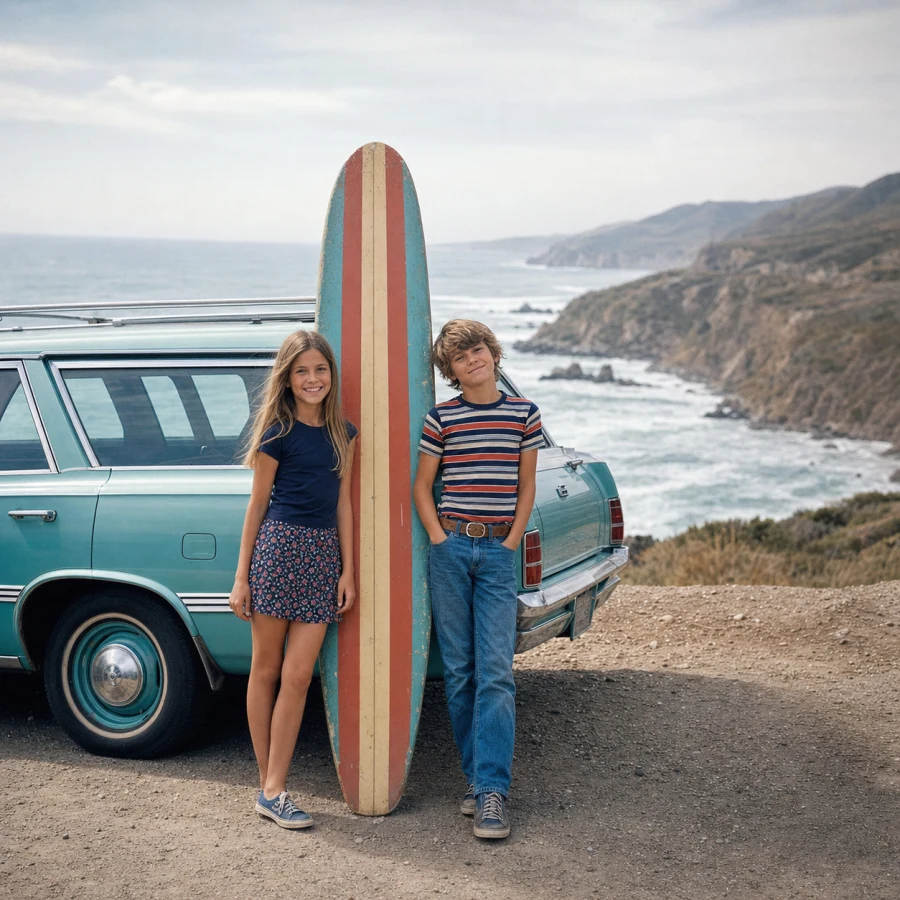
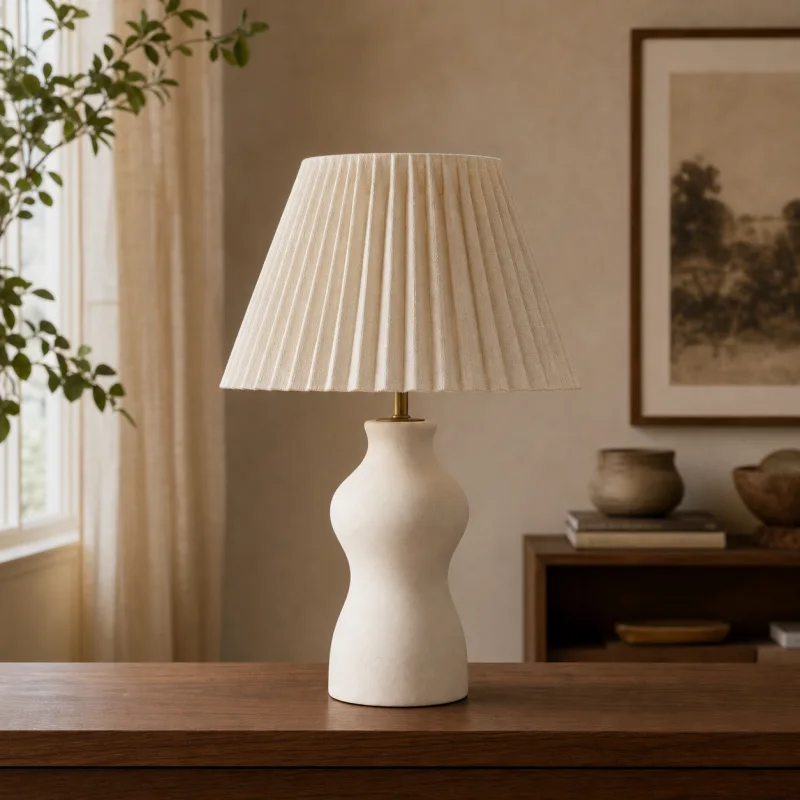
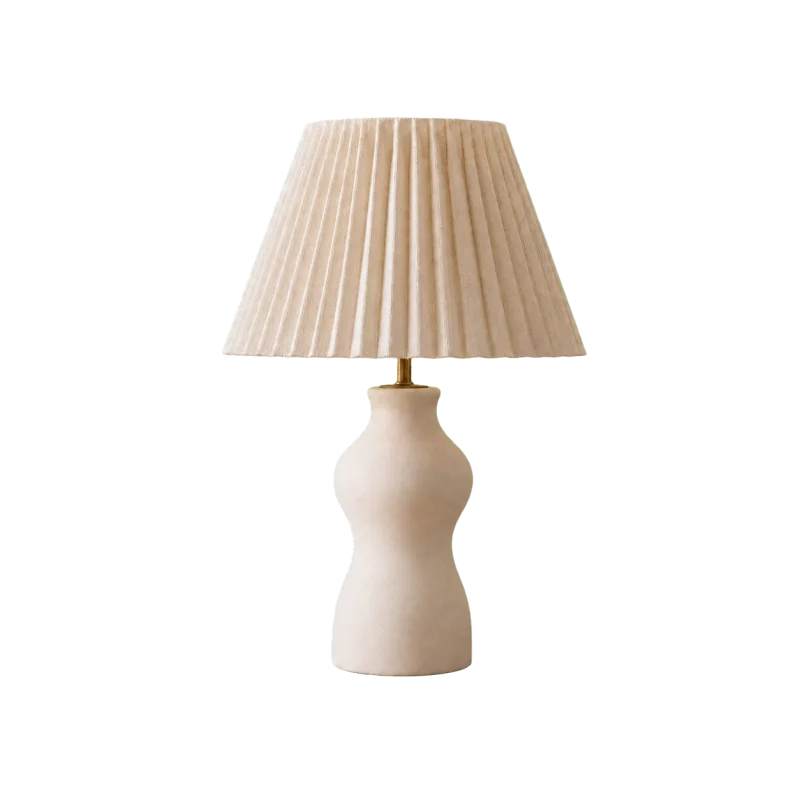
Make image transparent FAQ
Answers about transparent output, difficult edges, supported photos, privacy, and making image backgrounds transparent.
What do I get back?
A PNG-ready cutout with a transparent background at the resolution you uploaded. Drop it onto any color, scene, or design.
What does one run cost?
It uses Nano Banana Pro at 50 credits per successful image. A run that fails costs nothing.
Does it handle hair and fur?
Reasonably well — the model is trained for soft edges. Busy backgrounds behind fine hair are still the hardest case.
What happens to the image I upload?
It is stored so the model can fetch it and so the run stays in your library. It is private to your account.
Which image formats can I upload?
JPG, PNG, or WebP up to 5MB. Use the highest-quality original you have when the subject has fine edges.
Can it remove white, coloured, or busy backgrounds?
Yes. The model separates the subject by visual structure rather than one background colour. Strong shadows or reflections can still confuse the cut.
Can I make an image transparent for free?
Yes — one free trial without signup, and five total free runs when you sign in with Google.
Can I use transparent PNGs commercially?
Yes — for listings, logos, and design work. The results are yours.
How fast is background removal?
Most images return a transparent PNG in seconds.
Make a Photo Transparent Online
Upload one image and create a reusable transparent cutout for product pages, profile photos, presentations, and designs.