
AI Photo Enhancer
Upload a blurry photo. Get a print-ready result in seconds — free, no signup.
Free · Photos deleted within 24h5 free runs
AI Image Tools
Cut out, upscale, sharpen, or restage an existing image online. Each tool has a focused workflow, and every result is saved to the same private image library.
SEC.01
Real results
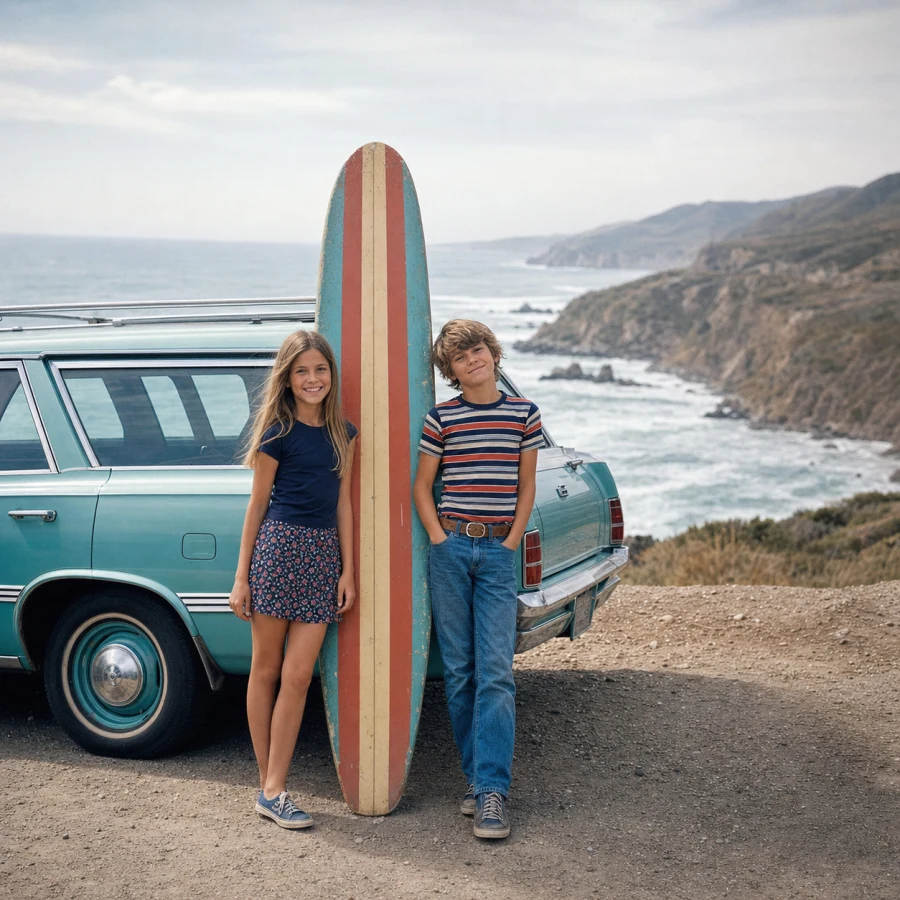
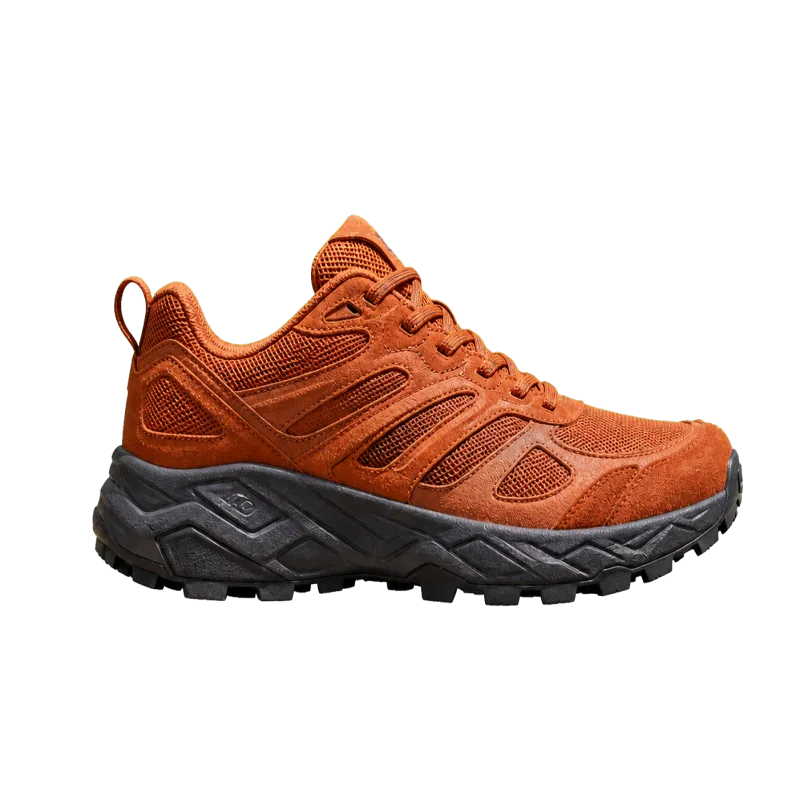
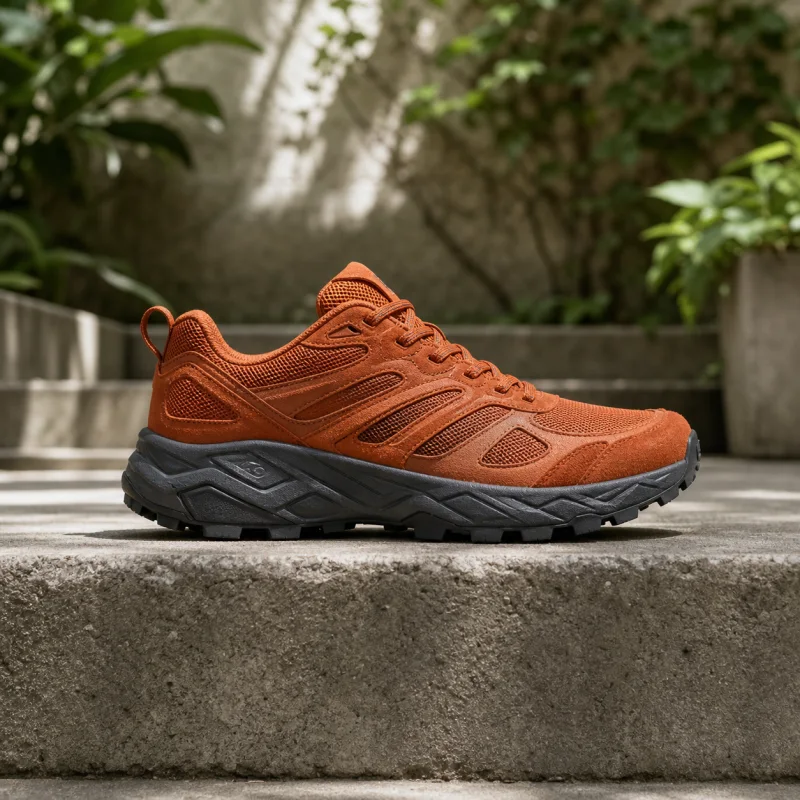
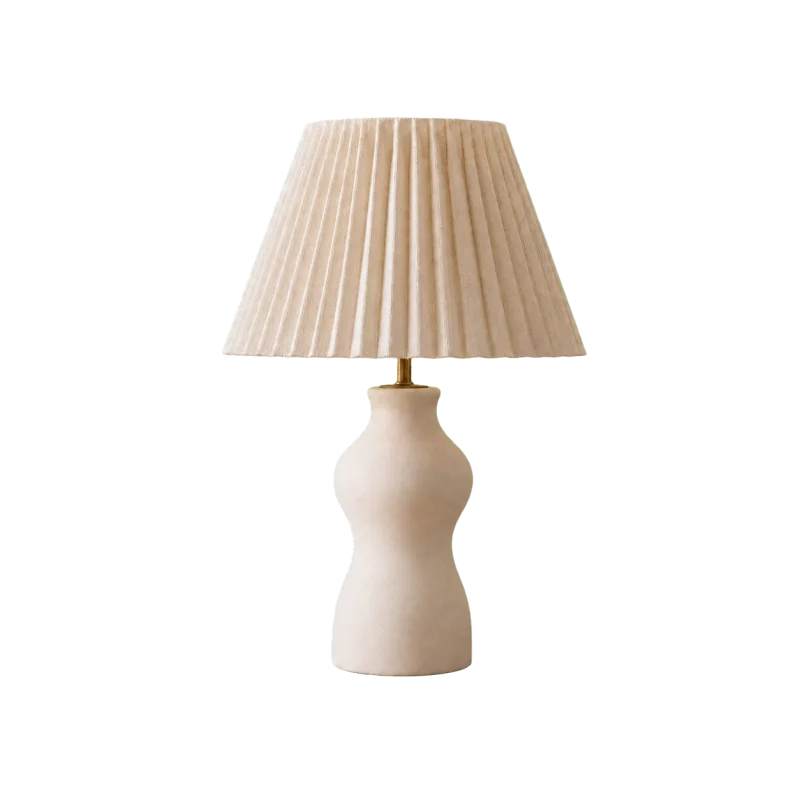
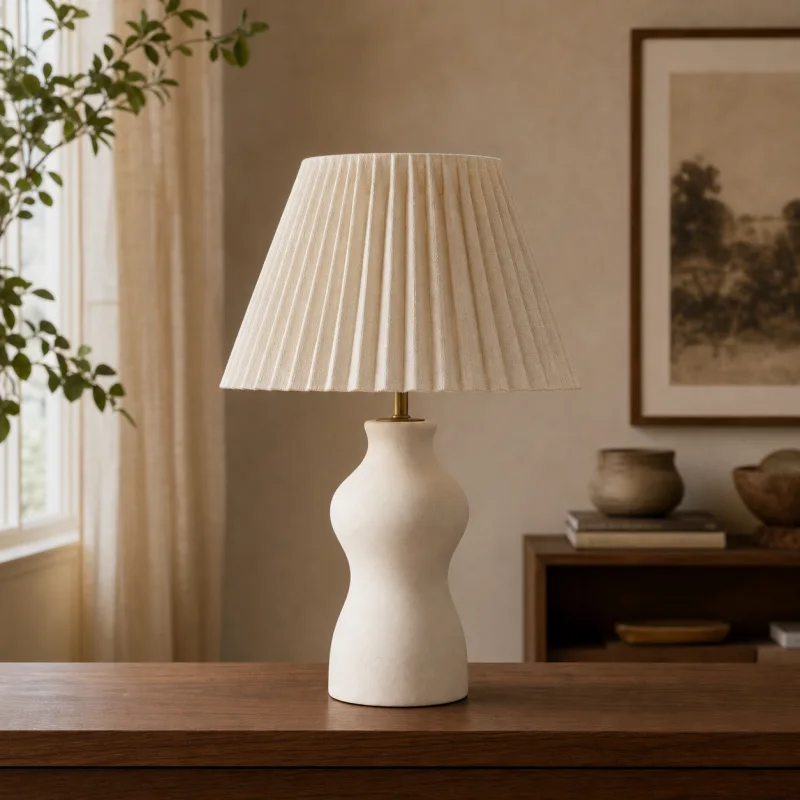
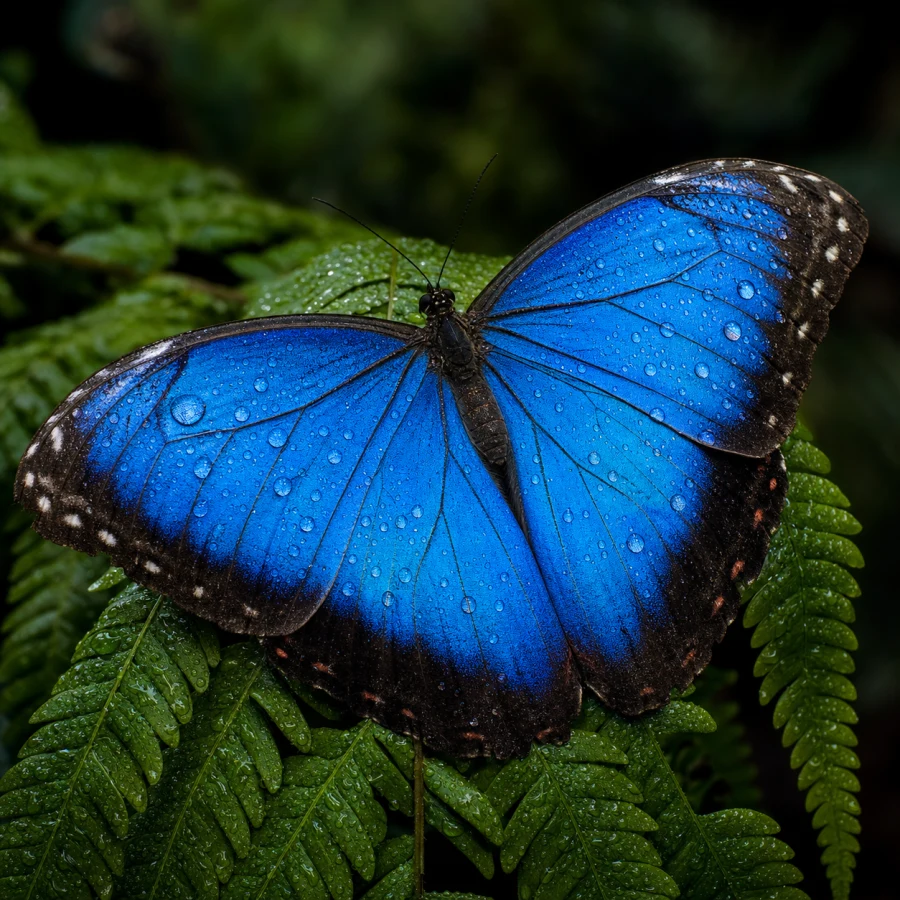
Drag the handle to compare. Every pair is an actual Picgrow output — no mockups, no stock results.
SEC.02
Built to repair photos
Upload first
Drop a photo, click Enhance. No prompt required, no editing skills needed.
One-pass enhancement
Sharpening, denoising and upscaling run together in a single job — one upload, one result.
Print-ready output
Up to 4× upscaling with recovered detail — results sized for real use, not just previews.
Free to start
Five free enhancement runs per account — no card required.
Deleted within 24h
Uploaded photos are automatically removed within 24 hours. Your library stays private.
Not used for training
Your photos are never used to train models — inputs stay yours.
SEC.03
How it works
Three steps. No editing skills required.
Upload a photo
Drag a blurry, noisy or low-resolution photo into the workbench. JPG, PNG and WebP up to 5 MB.
AI processes it
One click runs the enhancement — sharpening, denoising and upscaling in a single pass. Advanced options stay out of the way.
Download the result
Get a print-ready image in seconds. Uploads are deleted within 24 hours — results are yours to keep.
SEC.04
AI Photo Enhancer FAQ
Free runs, formats, privacy and limits — answered.
Is Picgrow really free?
Yes. Upload a photo and enhance it without signing up — one anonymous trial is free. Sign in with Google to unlock five total free runs.
What does a run cost?
Standard enhancement is covered by free runs. Higher-quality processing and extra runs use credits — see Pricing for current rates. Failed runs refund credits automatically.
What happens to my uploaded photos?
They are stored only long enough to produce your result and are automatically deleted within 24 hours. Your photos are never used to train models.
Which formats and sizes are supported?
JPG, PNG and WebP up to 5 MB per image. The result downloads as a standard image you can print or share.
How long does a run take?
Most enhancements finish in seconds. Very large or complex inputs can take longer — the job keeps running in the background.
Can I use enhanced photos commercially?
Yes. Results you create are yours to use, including for commercial projects.
Do I need an account?
No — the anonymous trial works without one. A free Google sign-in unlocks five runs and keeps results in your library.
Can it enhance to 4K?
For larger output, use the AI Image Upscaler tool — it offers 2× and 4× enhancement with recovered detail.
Enhance your first photo
Upload a photo and get a print-ready result in seconds — free, no signup.