
Change Background Image
Upload a photo, describe the new backdrop, and get the same subject placed into a fresh scene.
Free · Photos deleted within 24h5 free runs
Examples to try
How to Change a Photo Background
The model keeps your subject — edges, shadows, and lighting direction — and rebuilds everything behind it from your description.
- 01
Upload your image
Drop in a JPG, PNG, or WebP up to 5MB with a subject you want to keep.
- 02
Describe the new background
Write the scene you want — a studio backdrop, an outdoor location, a colour, or a mood.
- 03
Run the edit and download
Start the job, check that the subject and lighting still look right, then download the result.
The other tools
Try another AI tool optimized for a specific image task.
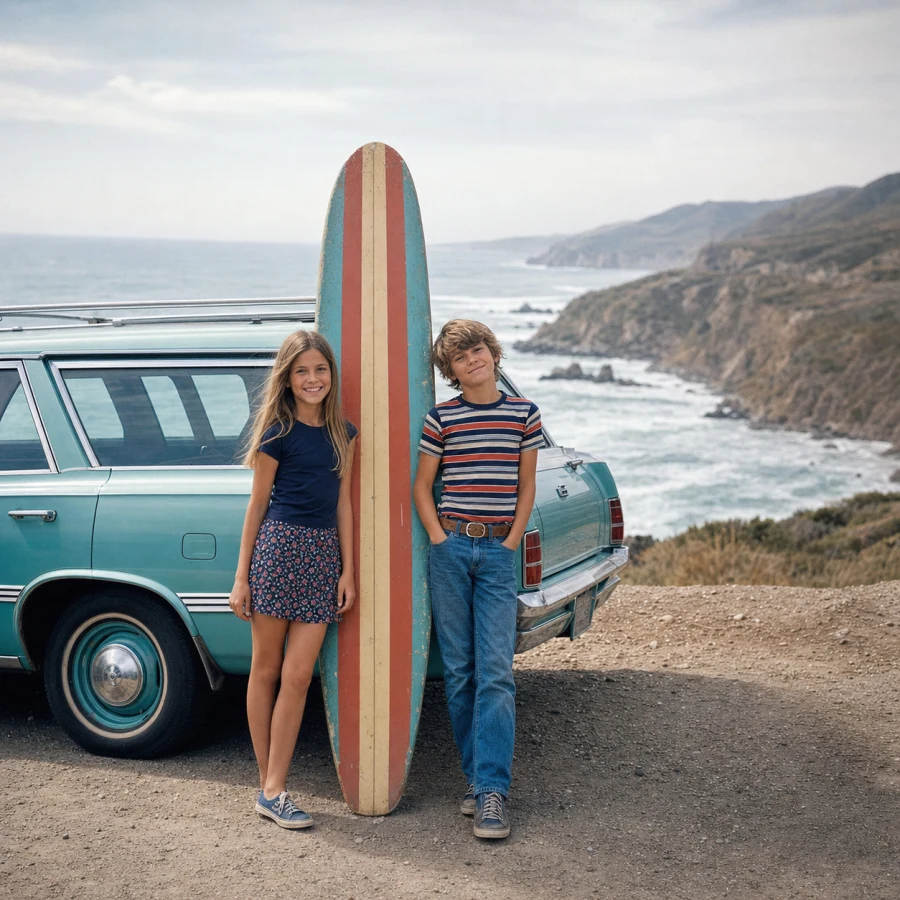
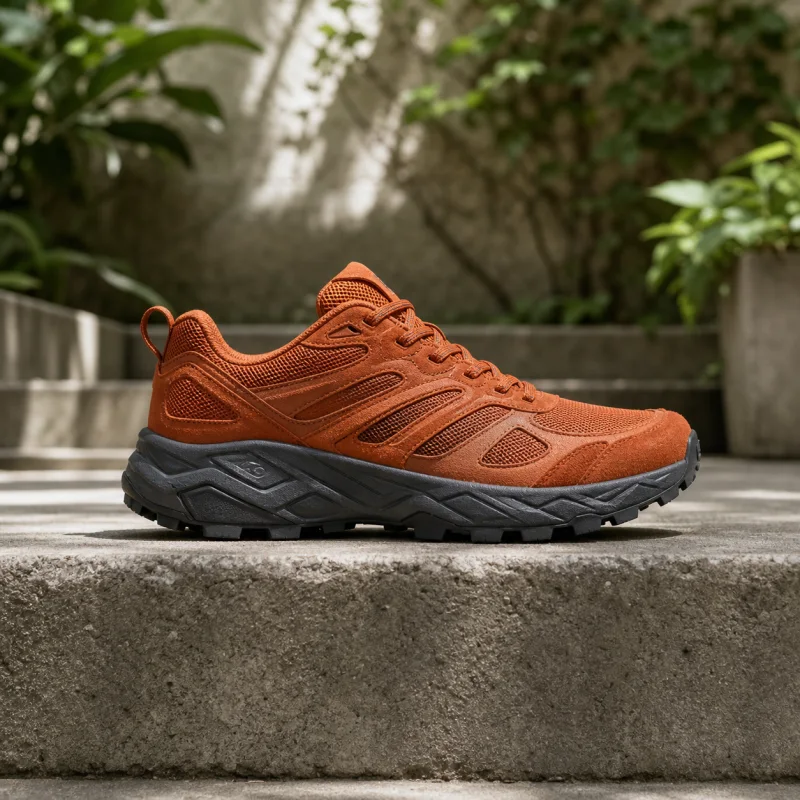
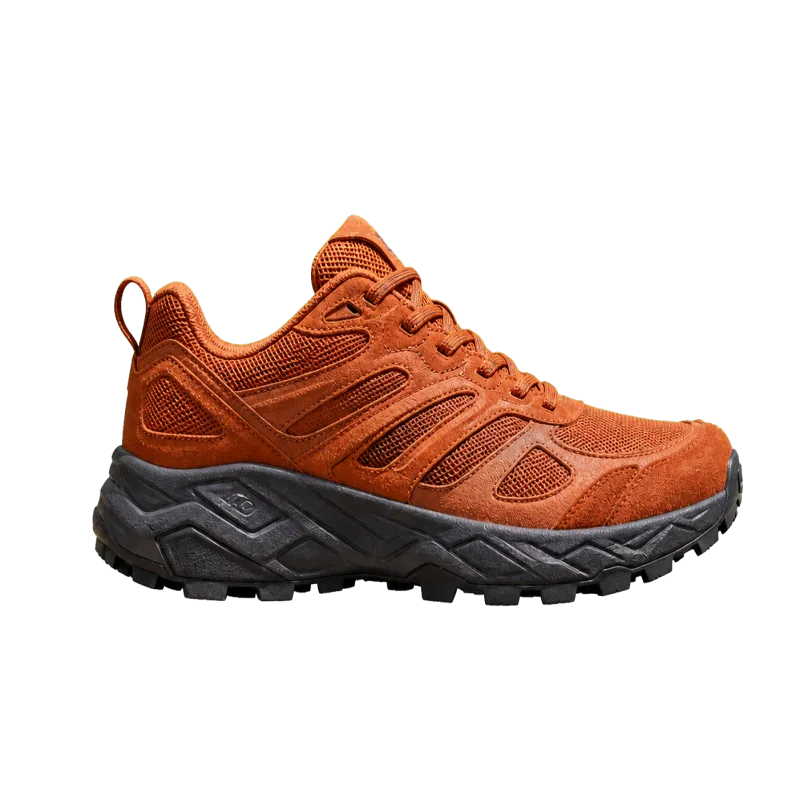
Change background image FAQ
Answers about subject preservation, scene control, supported photos, privacy, and AI background replacement.
How does it keep my subject?
The model segments the foreground, then regenerates the background around it while preserving edges, colours, and contact shadows.
What does one run cost?
It uses Nano Banana Pro at 50 credits per successful image. A run that fails costs nothing.
What backgrounds can I ask for?
Anything describable — studios, gradients, real locations, seasons, or moods. Concrete descriptions beat vague ones.
What happens to the image I upload?
It is stored so the model can fetch it and so the run stays in your library. It is private to your account.
What about hair, glass, or fine edges?
Soft edges are handled well but remain the hardest case. Check the result at full size before publishing.
Which image formats can I upload?
JPG, PNG, or WebP up to 5MB. The output is a standard image you can reuse anywhere.
Can I change a background for free?
Yes — one free trial without signup, and five total free runs when you sign in with Google.
Can I use the results commercially?
Yes — including storefront photos and marketing assets.
How long does a background change take?
Most runs finish in seconds; complex scenes can take a little longer.
Change a Photo Background Online
Upload one image and restage it on a new background for product pages, portraits, or social posts.